

Prepare the diagram for the document
Import the example and adjust vertex positions, labels, and edge shapes. If a vertex needs emphasis, identify it with a label or description as well as colour.
Also save a Graph Editor JSON file for future edits. It preserves positions, colours, and other editing information so you can reopen the original diagram and change it.
Include the code and required packages
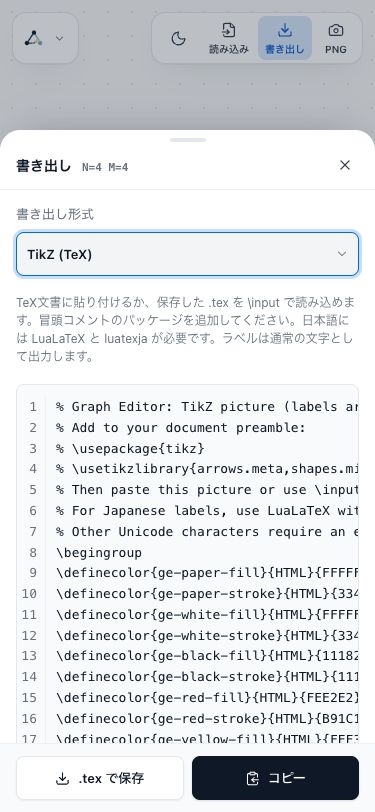
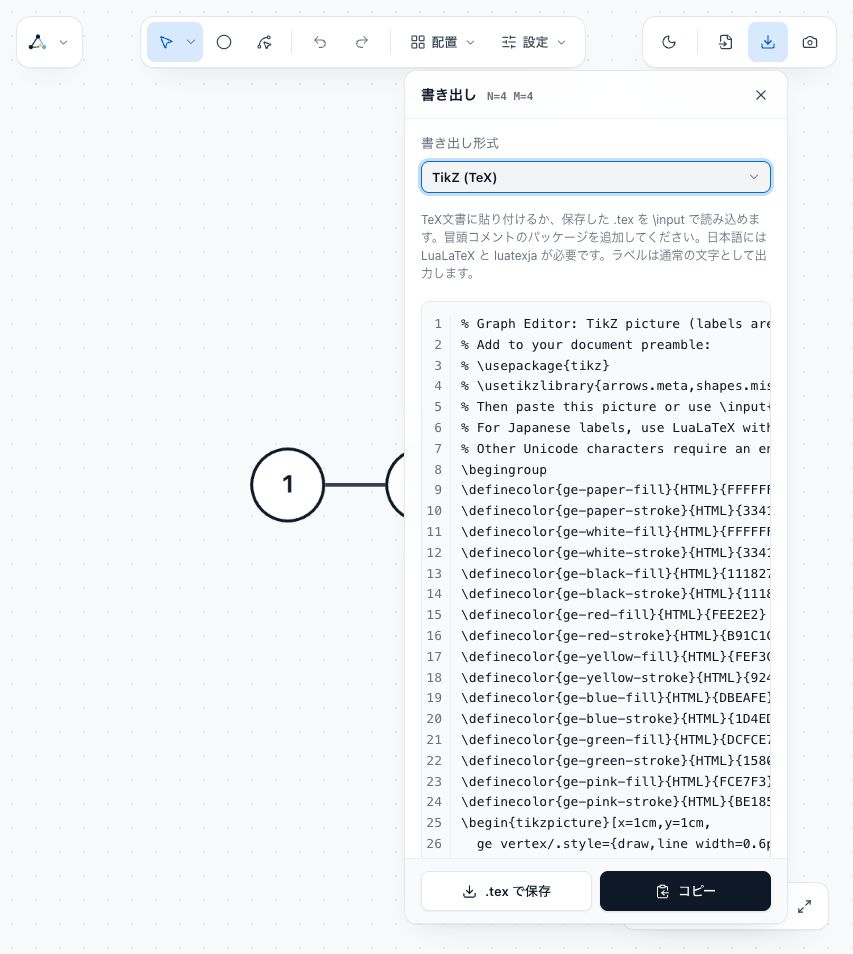
Choose TikZ (TeX) in Export, then copy the code or save a .tex file. Read the opening comments in the output and add the listed packages to the document.
Insert the copied code where the diagram belongs. Japanese labels need LuaLaTeX and luatexja as described in the guide. Other Unicode labels also need a compatible engine and fonts.
Check the width and text size
Compile the document and check that the diagram fits the text width and that vertex labels and weights are readable. Scaling the whole diagram also scales its text, so adjust the size while reviewing the final document.
If labels overlap, increase spacing in Graph Editor and export again. The guide's export and save section explains the controls and file options.
Compare the input and diagram
Input to copy
4 4
1 2
2 3
2 4
3 4
Graph diagram